

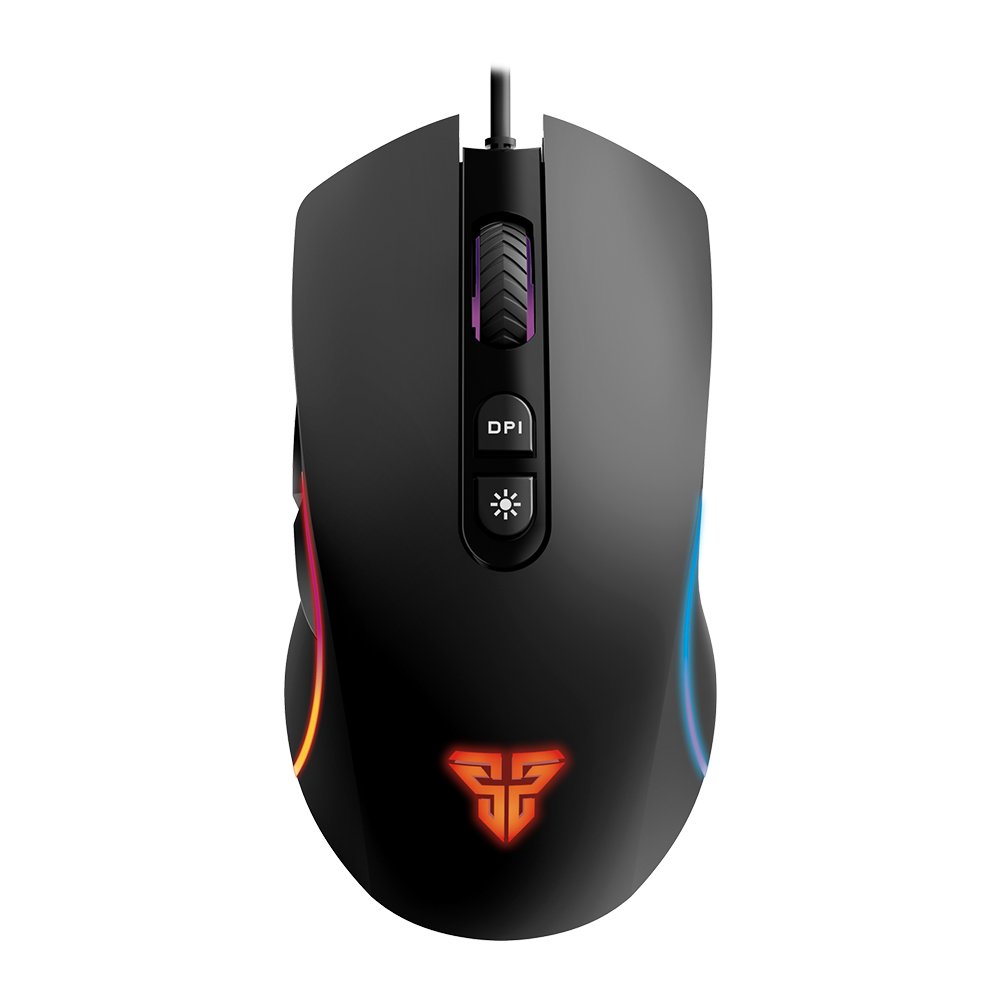
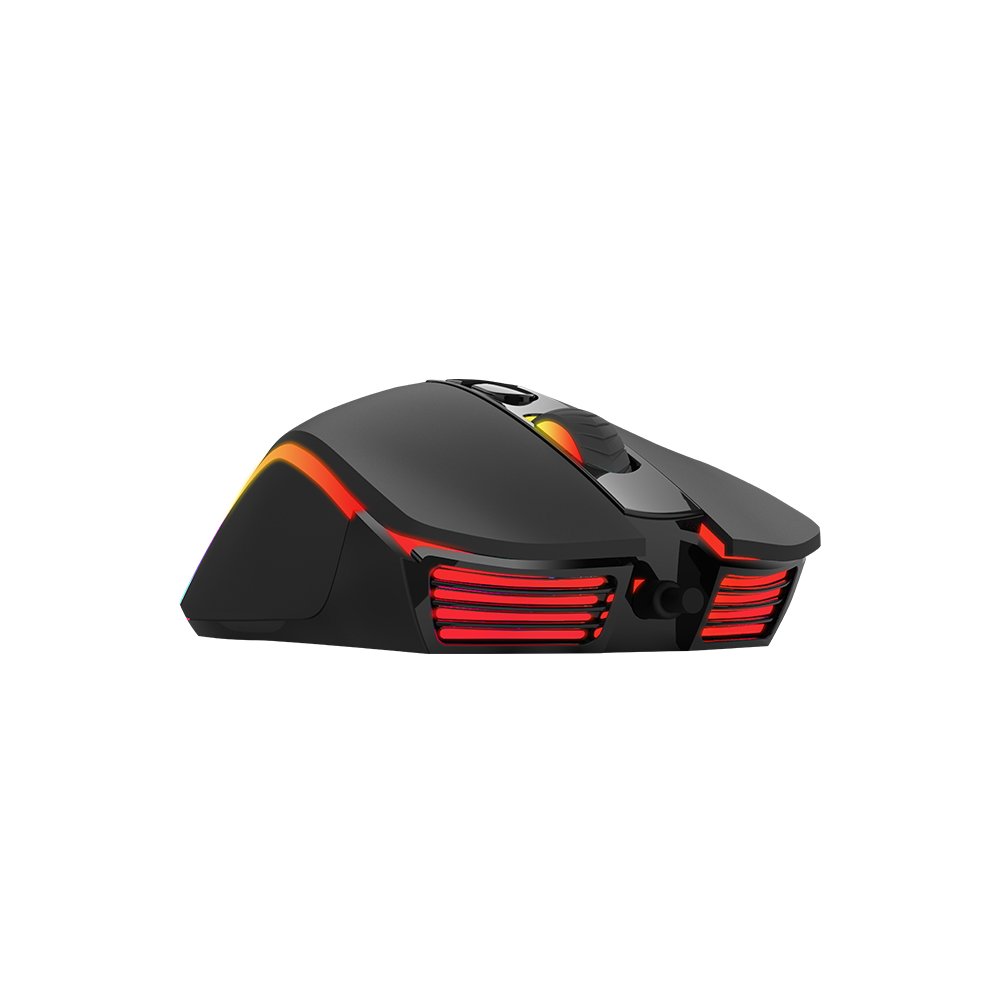
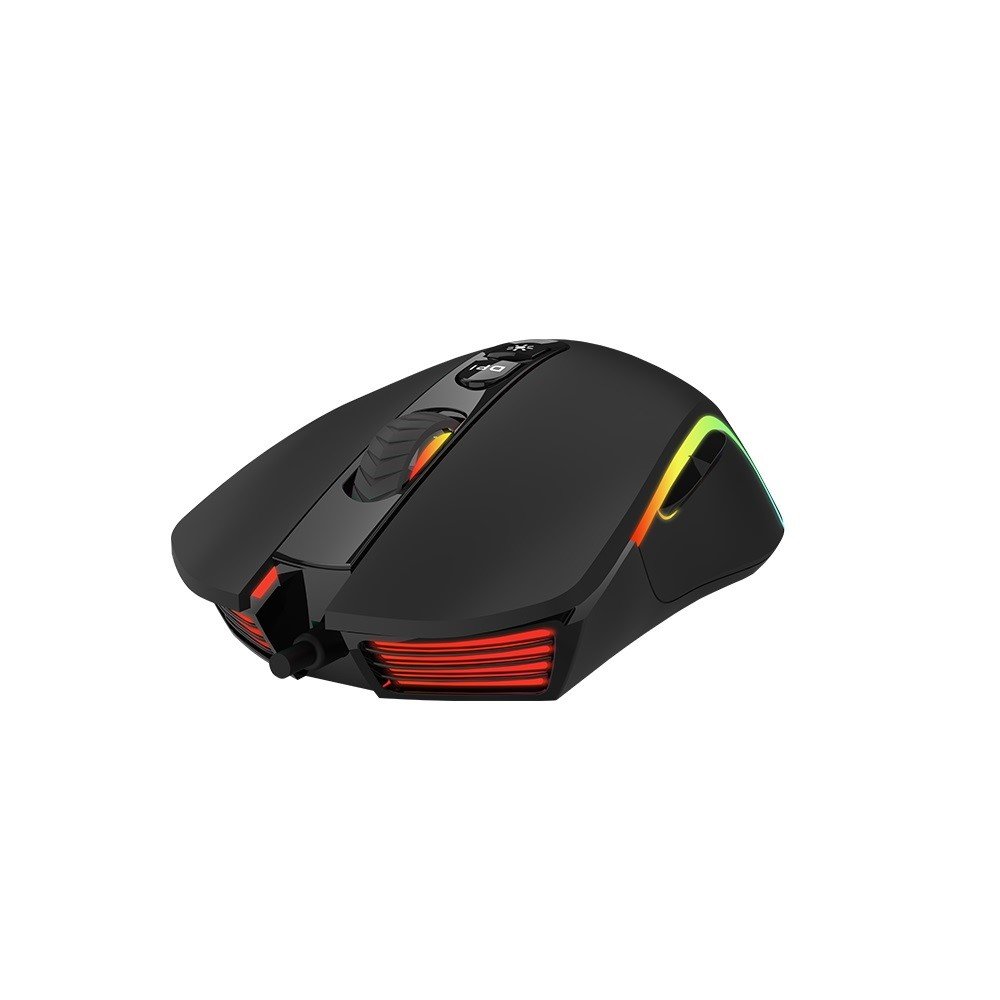
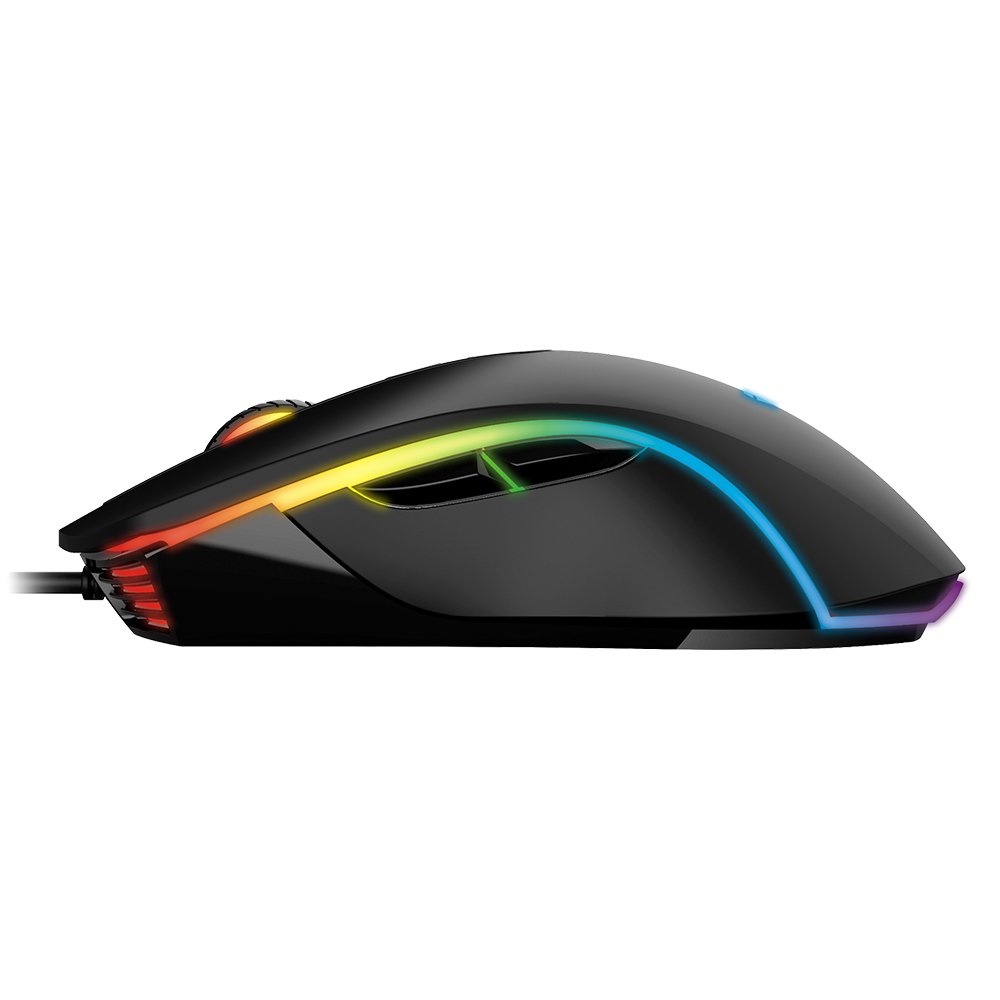
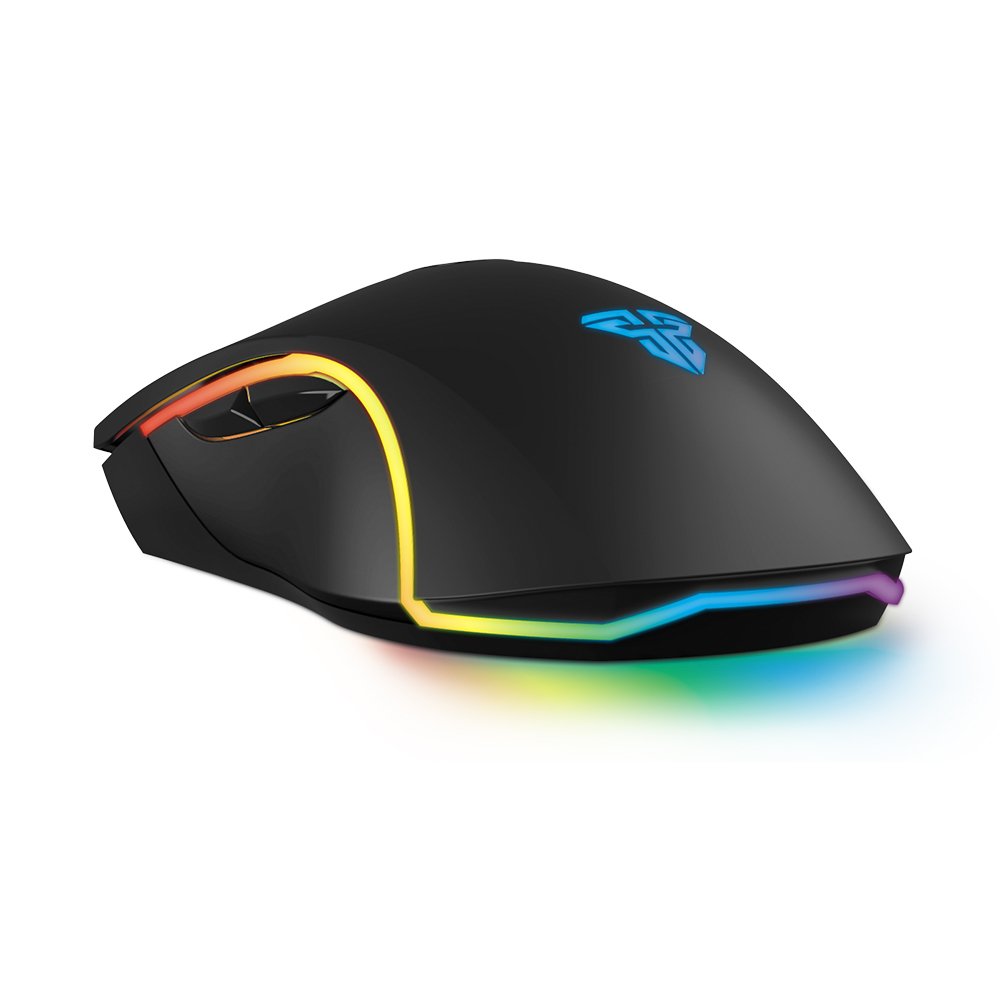
Thank you for choosing the Fantech X16 Thor II Macro Programmable RGB Chroma Gaming Mouse. This manual provides detailed instructions to help you set up, operate, and maintain your new gaming mouse, ensuring optimal performance and an enhanced gaming experience. The X16 Thor II is designed for precision and customization, featuring programmable buttons, vibrant RGB lighting, and a high-performance optical sensor.
The Fantech X16 Thor II mouse is designed for easy plug-and-play setup. Follow these steps to get started:
- Unpack the Mouse: Carefully remove the mouse from its packaging. Ensure all components are present.
- Connect to Your Computer: Locate an available USB port on your computer or laptop. Insert the USB connector of the Fantech X16 Thor II mouse firmly into the USB port.
- Driver Installation (Automatic): Your operating system (Windows XP, Linux, etc.) should automatically detect and install the necessary drivers for the mouse. This process may take a few moments.
- Verify Functionality: Once the drivers are installed, the mouse’s RGB lighting should illuminate, and you should be able to move the cursor on your screen.
- Software Installation (Optional): For advanced customization, including macro programming, DPI settings, and RGB effects, download the official Fantech Thor II X16 software from the Fantech website (www.fantechworld.com). Install the software by following the on-screen instructions.



Reviews
There are no reviews yet.